June 15, 2024
Fine-tuning with Stable Diffusion XL
Fine-tuning your own images with Stable Diffusion XL - Just another project with my cats
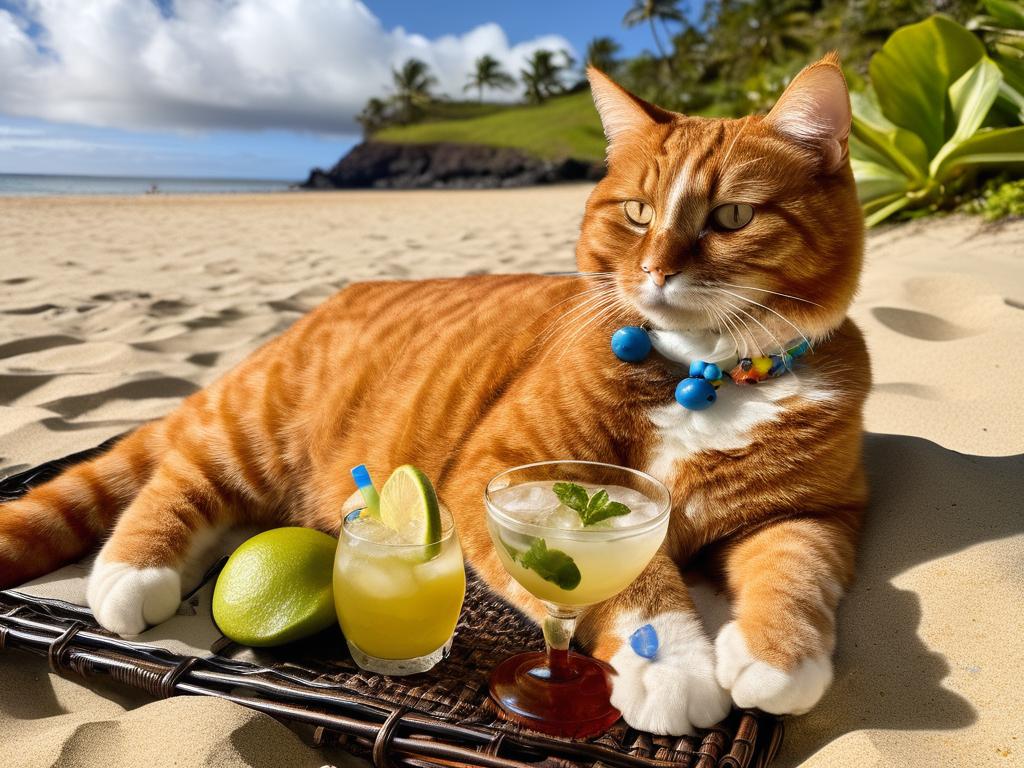
Late to the party as usual, I finally got around to fine-tuning my own images with Stable Diffusion XL 1.0 on a free-tier Google Colab using LoRA. Despite many tutorials being available so far, it took a bit of trial and error to get optimal results (15 runs in Weights & Biases, to be exact). I used the SDXL weights from StabilityAI on images of my cat Thor and fine-tuned them using the DreamBooth method which requires only a few (how many is a few?) images of the subject. I chose SDXL because I wanted my photos to have a high resolution (1024x1024). There seem to be conflicting opinions on the best parameters to use for fine-tuning, especially when it comes to objects and not people's faces. Many blogs, tutorials, papers, etc., suggested using prior-preservation when fine-tuning on images of pets, whereas other resources insisted prior-preservation is redundant for anything except human faces. Some tutorials suggest that 200-400 training steps should be sufficient for animals, but I found that 500-1000 steps give better results.
Input data
In order to start training we need the following:
- the Diffusers libraries
- the SDXL Dreambooth Python script and README
- at least 16 GB of VRAM (because I am GPU poor, a free Tesla GPU T4 in my case from Google Colab)
- 10 - 15 images of your subject in various poses, lighting, backgrounds, angles - as much variety as possible of the subject.
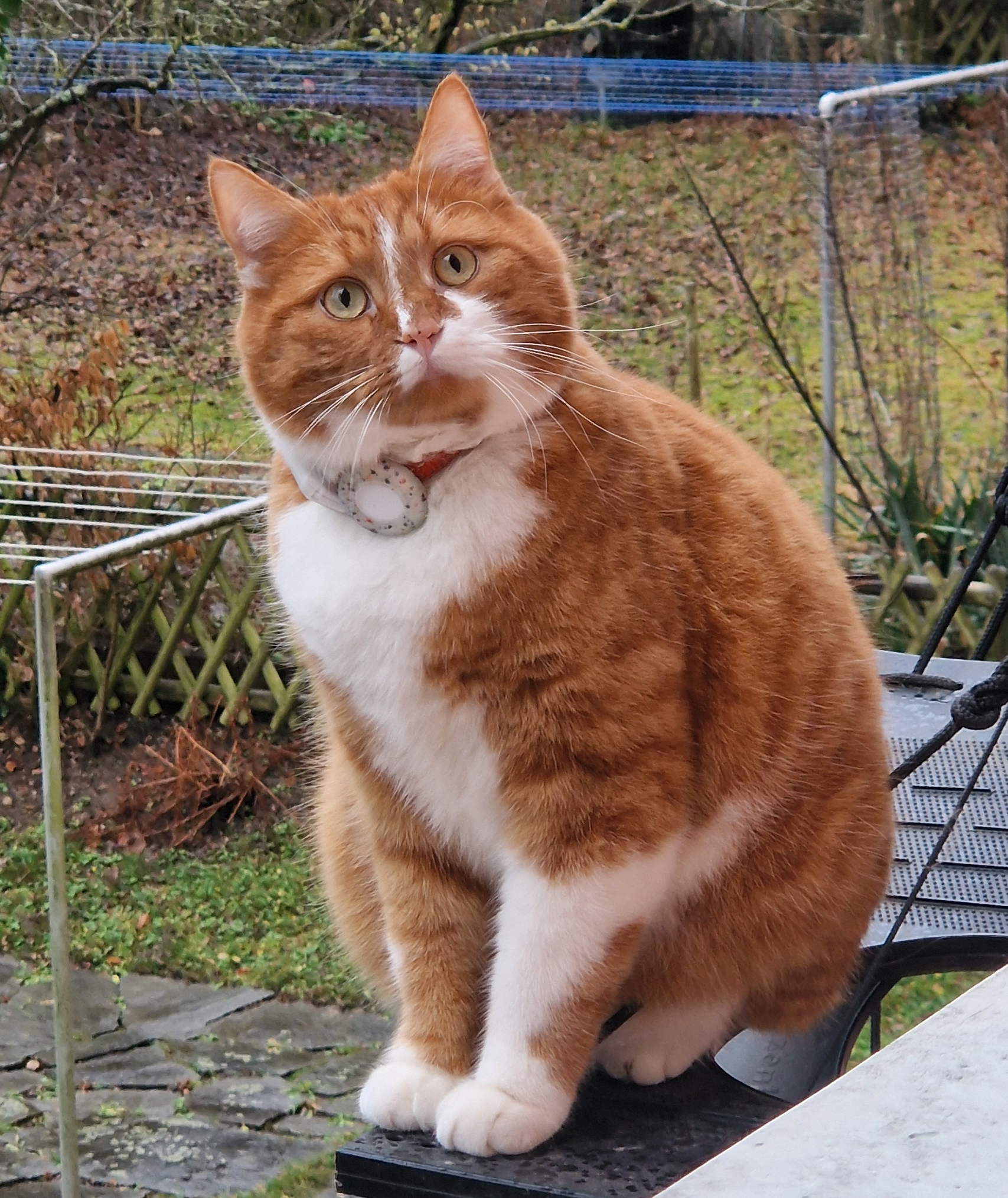
Although the original DreamBooth paper mentions using 3-5 images, from my experience and others', the optimal number is around 10-15 images of the subject. I used 15 images of Thor in various poses with various backgrounds. As we can notice, Thor is mostly centered in the photos and there are no other pets (his brother) or objects. If the photo is cluttered with other objects, humans, pets, etc., DreamBooth will not be able to learn the unique subject we are training to fine-tune. Speaking of unique, the principle of DreamBooth is using a unique token (word) associated with the subject to be injected in the "dictionary" of the model during the fine-tuning process. This is called the instance_prompt and can be something like "a photo of <TOK> cat", where TOK is my unique identifier describing Thor. The word describing the generic class noun of the subject (i.e. cat in this context) is also needed for better results.

The motivation behind linking the unique identifier <TOK> with a class noun CAT during training is to leverage the model’s strong visual prior of the subject’s class. In other words, it will be much easier for the model to learn what Thor looks like if we tell it that it is a cat and not a handsome Marvel actor. The DreamBooth paper mentions that leaving out the class noun, or using a wrong one, increases training time and language drift and gives worse results.
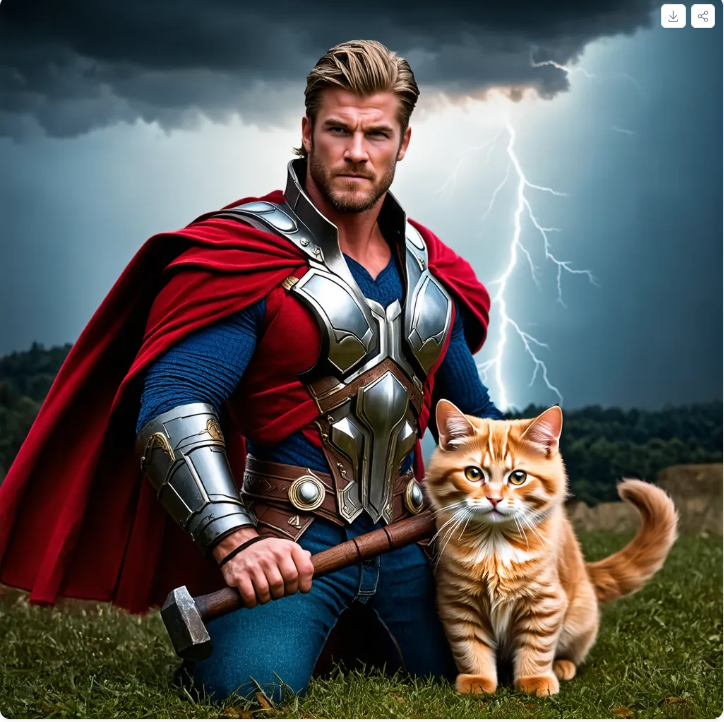
However, there are still two issues we must address before we can fine-tune the model according to the DreamBooth paper:
-
Language drift: Language drift is a term borrowed from language models: a model that has been trained on a large amount of data simply "forgets" the syntactic and semantic meaning of words when fine-tuned. The DreamBooth authors found the same thing happening in diffusion models. In simpler words, the model forgets what a cat looks like and will start generating bananas instead.
-
Reduced output diversity: This means that the model will learn to reproduce the subject with high accuracy, but mostly in the poses and contexts present in the training images.
To solve this issue, the authors of the DreamBooth paper introduce "prior-preservation" which addresses the 2 issues that happen when training on such a small sample of data. The idea is to supervise the fine-tuning process with the model’s own generated samples of the class noun, in our case "cat". These prior-preserving images are sampled and labeled using the [class noun] prompt. This helps the model remember what a generic member of the subject class looks like. The paper generates about 1000 [class noun] images, but says fewer can be used, and many guides recommend 100 × 𝑁 or 200 × 𝑁 images, where 𝑁 stands for the number of images of the subject. For my 15 images that would be 1500, but I used only 100 class images (--num_class_images=100).
Tips and tricks
- use 10-15 photos of your subject (not 3-5 like the paper suggests).
- same photo size and square ratio: Although not specifically required, I noticed I get much faster and better results when the photos have a square ratio and the same size. I added the option to re-size the photos programmatically in Google Colab.
- use a low learning rate for animals and humans. I started with 1e-6 and my final runs used 1e-4.
- monitor the training to see where the sweet spot is for
max_train_steps: DreamBooth tends to overfit quickly, too few steps and your cat looks like any generic cat, too many steps and your cat looks like Cerberus. I used--validation_prompt,--validation_epochs, and--checkpointing_steps. Additionally you can use Weights & Biases to see how your training progresses and your model learns. I tried everything between 300 and 1500 steps. A 500-step run took about 45 minutes on the free T4. - train without class prior-preservation option first as this requires more memory and training takes longer. My results were slightly better with the parameter
--with_prior_preservation, but when I tried to increase mymax_train_steps=2000I ran out of disk space on Colab (a checkpoint every 100 steps adds up).
The 3 photos below are from the validation run in Weights & Biases. You can see at step 0 the model has no idea how Thor looks, but it outputs generic photos of cats. Whereas at step 300, the photos already start resembling Thor and at step 500 it is clearly Thor (with minor artefacts).



Hyperparameters used for SDXL
To be able to run SDXL on a free tier Google Colab, the following hyperparameters are needed:
- Gradient checkpointing (
--gradient_checkpointing), which saves memory by recomputing activations instead of storing them - Gradient accumulation (
--gradient_accumulation_steps), so a batch size of 1 still behaves like a bigger batch - 8-bit Adam (
--use_8bit_adam) - Mixed-precision training (
--mixed_precision="fp16")
I kept the default LoRA rank of 4 and did not train the text encoder.
Hugging Face already has a great notebook example here. I changed this notebook because I wanted a more user friendly interface (e.g. choosing my folders, files, prompt), I didn't want to save my model to the hub, but I wanted to save my photos locally in my Google Drive. Also, I added a function to resize my photos - this is needed in particular if you want to run other versions of Stable Diffusion which only accept square sizes of 512 or 768 pixels. With prior-preservation I trained on my resized photos at 768x768 to save memory.
Without prior-preservation
!accelerate launch train_dreambooth_lora_sdxl.py \
  --pretrained_model_name_or_path="stabilityai/stable-diffusion-xl-base-1.0" \
  --pretrained_vae_model_name_or_path="madebyollin/sdxl-vae-fp16-fix" \
  --instance_data_dir="$source_data_dir" \
  --output_dir="$output_dir" \
  --instance_prompt="$instance_prompt" \
  --resolution=1024 \
  --train_batch_size=1 \
  --gradient_checkpointing \
  --gradient_accumulation_steps=4 \
  --snr_gamma=5.0 \
  --checkpointing_steps=100 \
  --learning_rate=1e-4 \
  --lr_scheduler="constant" \
  --lr_warmup_steps=0 \
  --max_train_steps=500 \
  --validation_prompt="$validation_prompt" \
  --validation_epochs=25 \
  --report_to="wandb" \
  --mixed_precision="fp16" \
  --use_8bit_adam \
  --seed="0"
With prior-preservation
!accelerate launch train_dreambooth_lora_sdxl.py \
    --pretrained_model_name_or_path="stabilityai/stable-diffusion-xl-base-1.0" \
    --pretrained_vae_model_name_or_path="madebyollin/sdxl-vae-fp16-fix" \
    --instance_data_dir="$source_data_dir" \
    --output_dir="$output_dir" \
    --instance_prompt="$instance_prompt" \
    --with_prior_preservation \
    --class_data_dir="$class_dir" \
    --prior_loss_weight=1.0 \
    --class_prompt="photo of cat" \
    --num_class_images=100 \
    --max_train_steps=1000 \
    --resolution=768\
    --train_batch_size=1 \
    --gradient_checkpointing \
    --gradient_accumulation_steps=2\
    --snr_gamma=5.0 \
    --checkpointing_steps=100 \
    --learning_rate=1e-4 \
    --lr_scheduler="constant" \
    --lr_warmup_steps=0 \
    --validation_prompt="$validation_prompt" \
    --validation_epochs=25 \
    --report_to="wandb" \
    --mixed_precision="fp16" \
    --use_8bit_adam \
    --seed="0"
Results
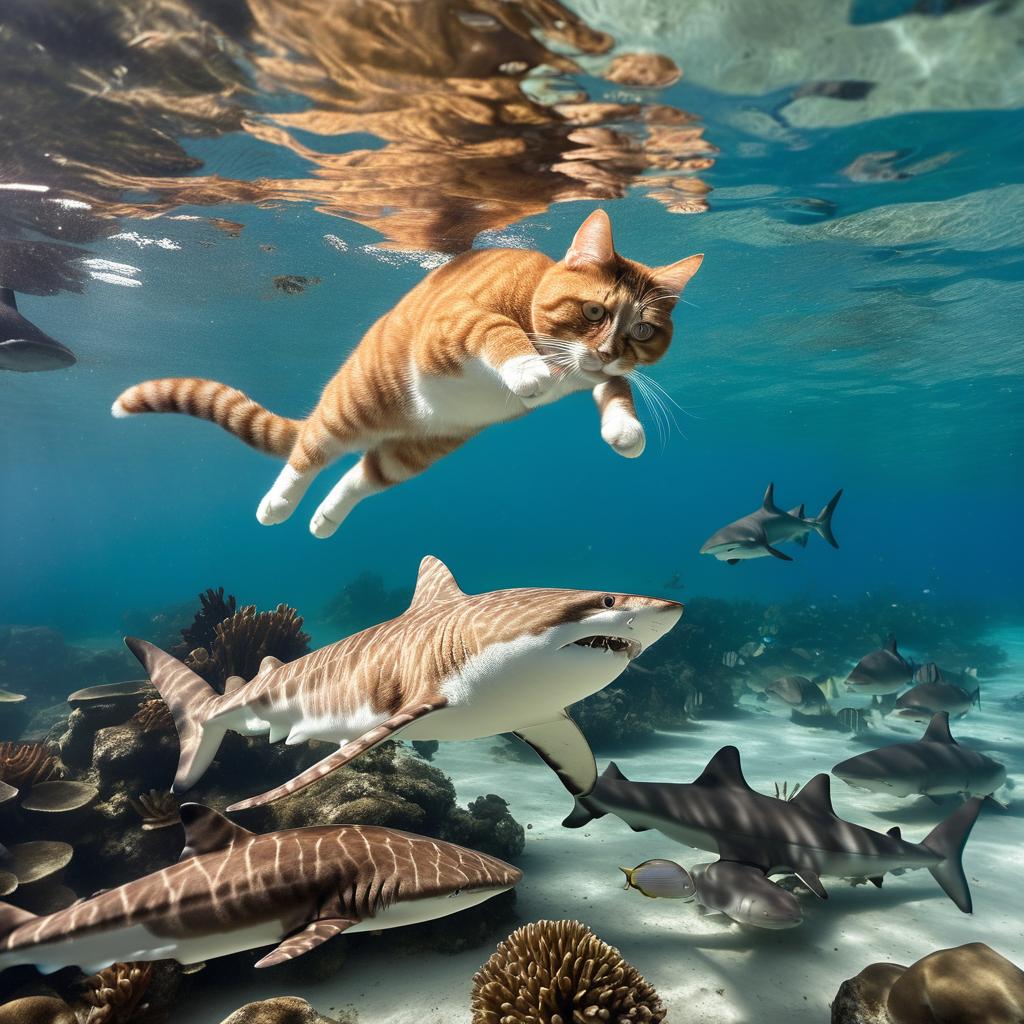
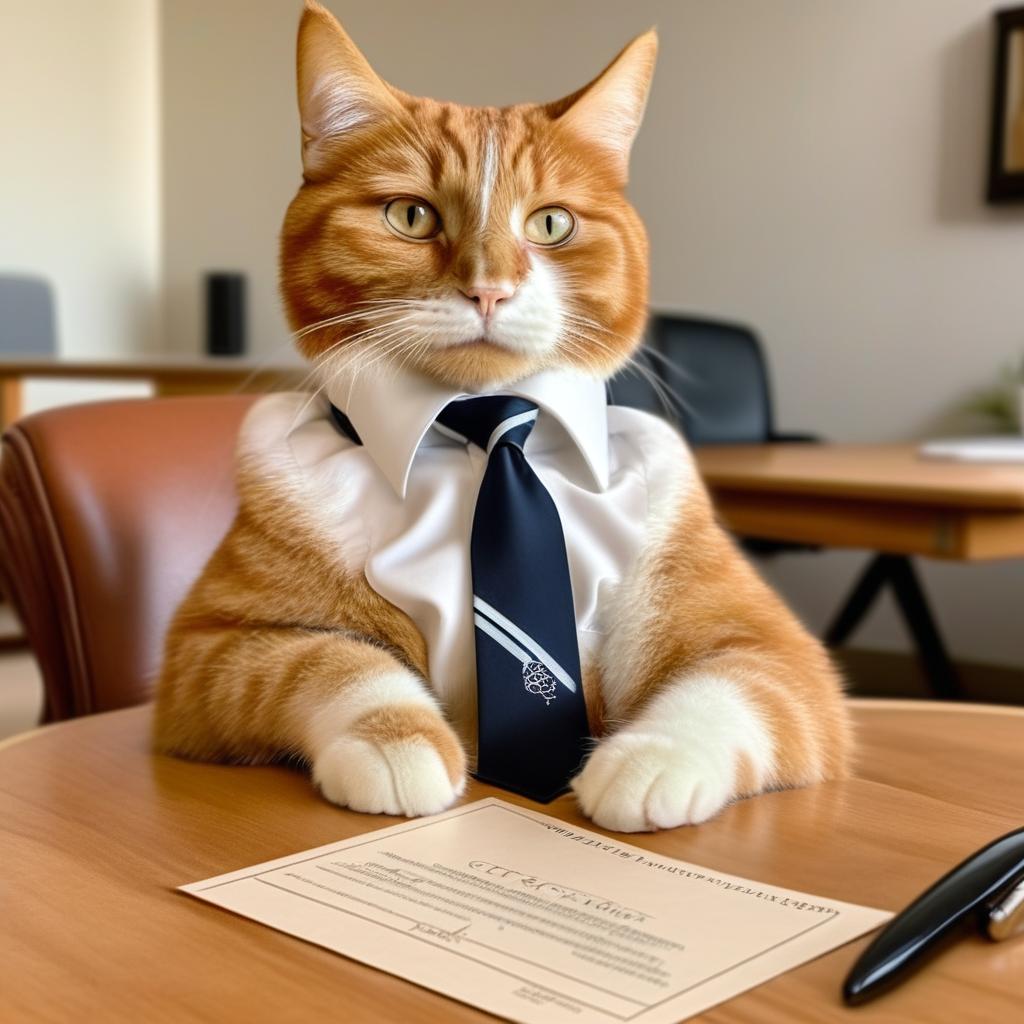
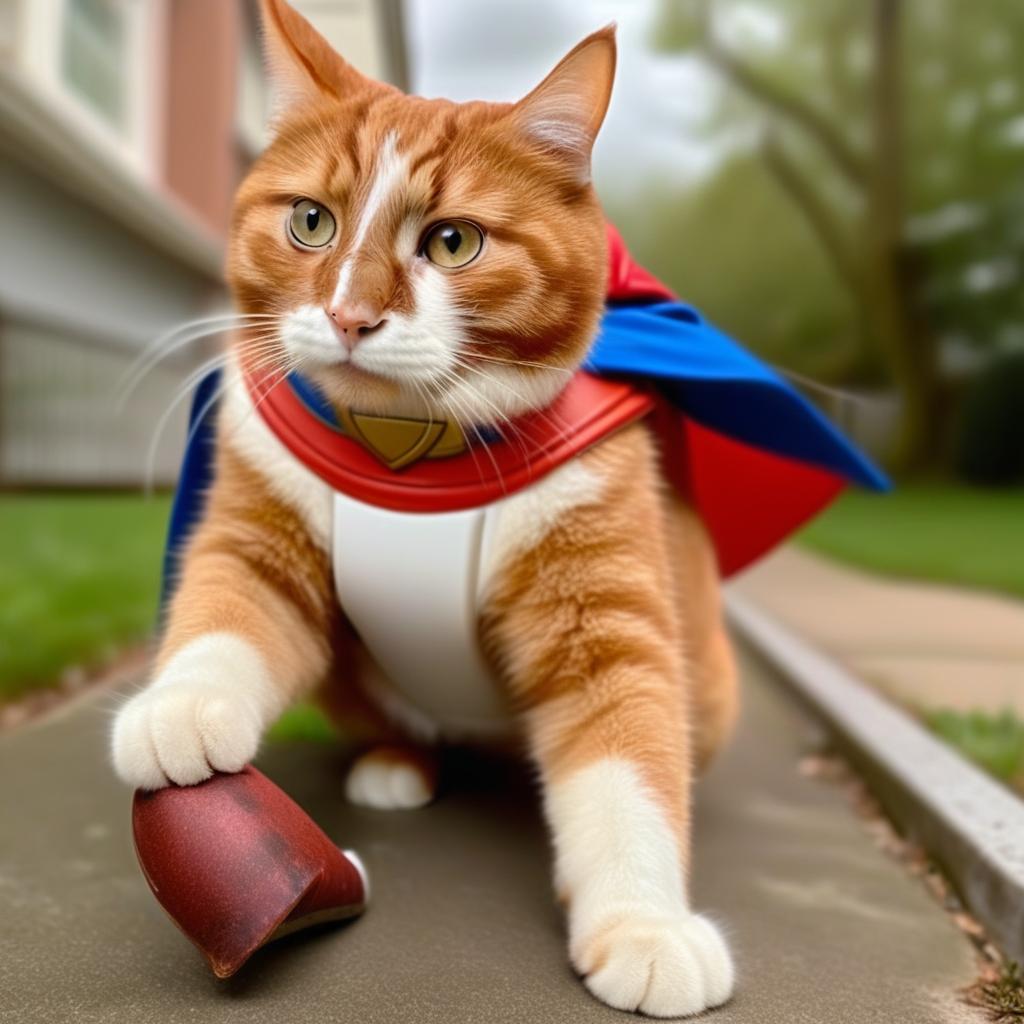
All in all my results were pretty good with and without prior-preservation. When doing inference, I noticed that I get better results when my number of inference steps are around 80-100. Otherwise Thor looks quite distorted, has extra limbs or is simply another cat. SDXL was also unable to render Thor wet swimming underwater as in the tutorial they showed with the dog photos. Another thing that I noticed is that SDXL really struggles with complex prompts, unlike Midjourney. Every time I wanted to add several elements and be super specific about where Thor should be placed and how he should look, the model output gibberish. Moreover, as you probably noticed Thor is wearing a collar with AirTag but the model completely failed to render this in any instance. It could also be my fault for mixing photos of Thor with a red collar and blue collar. Perhaps I should have trained it on photos of Thor without the collar? Next time.
Looking back, I judged all of these results by eye. In my multiview post I am finally doing a proper comparison, with paired base-vs-LoRA outputs and blinded scoring.
Useful resources:
Hugging Face Training Stable Diffusion with DreamBooth using 🧨 Diffusers:
Stable Diffusion XL Hugging Face card:
A community derived guide to some of the SOTA practices for SD-XL DreamBooth LoRA fine tuning:
Amazing comprehensive tutorial from Tryolabs:
AWS Blog on fine-tuning Stable Diffusion on Sagemaker:
Python Script if you have the resources to run Stable Diffusion locally (I don't, I am GPU poor.)
With prior-preservation:
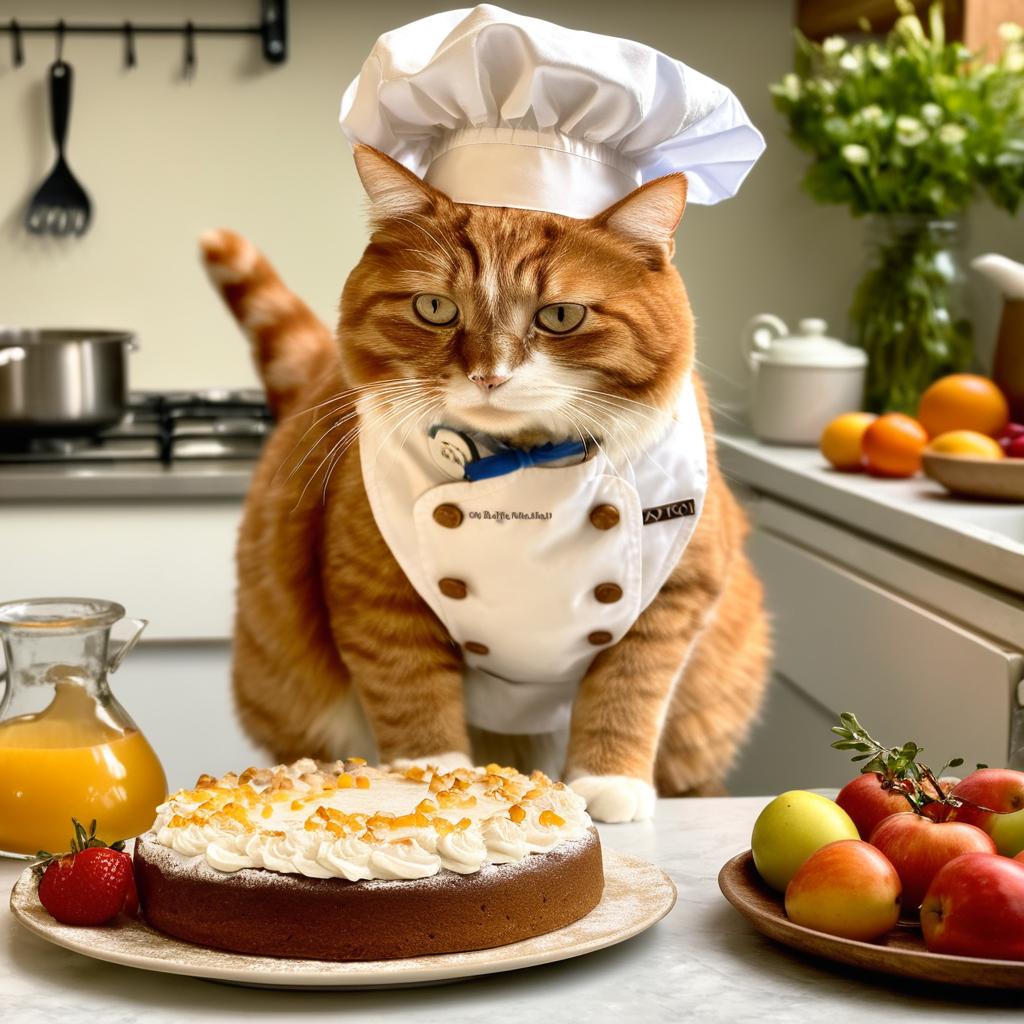
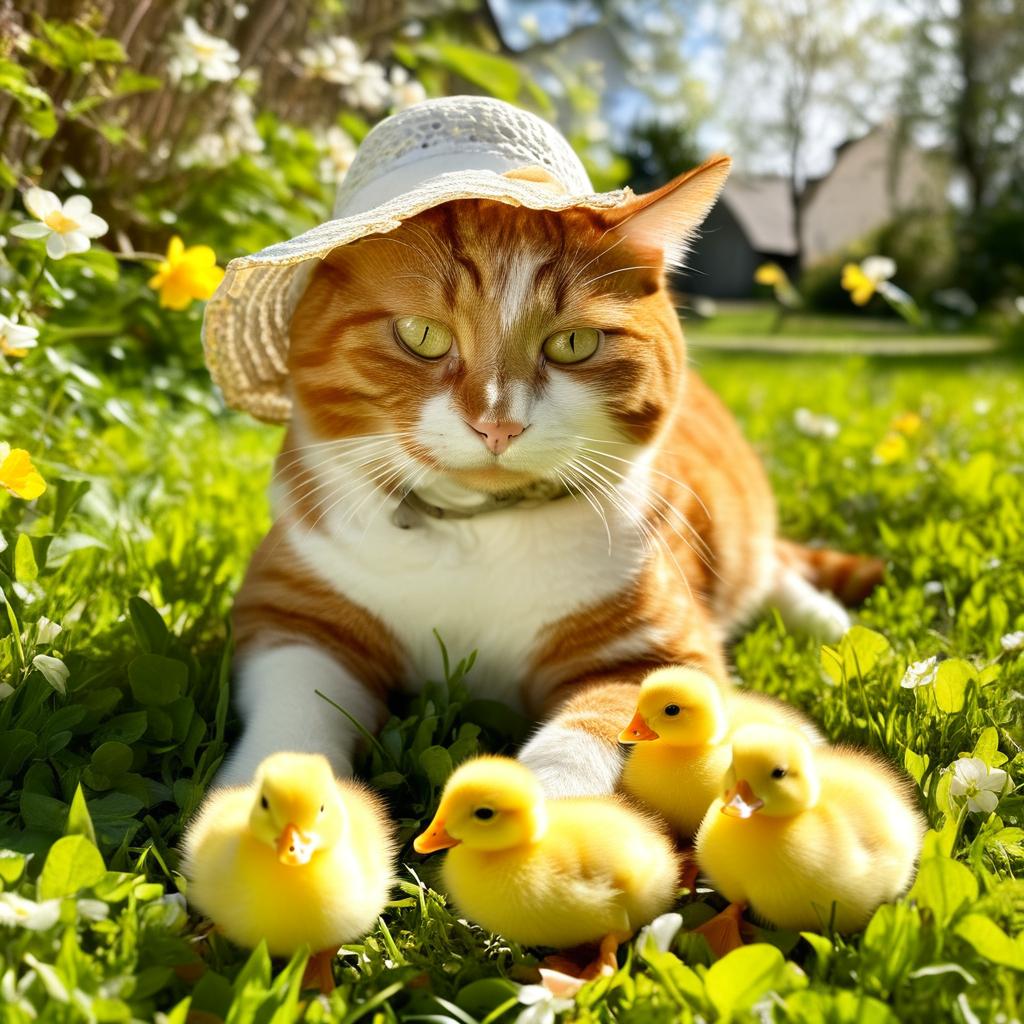
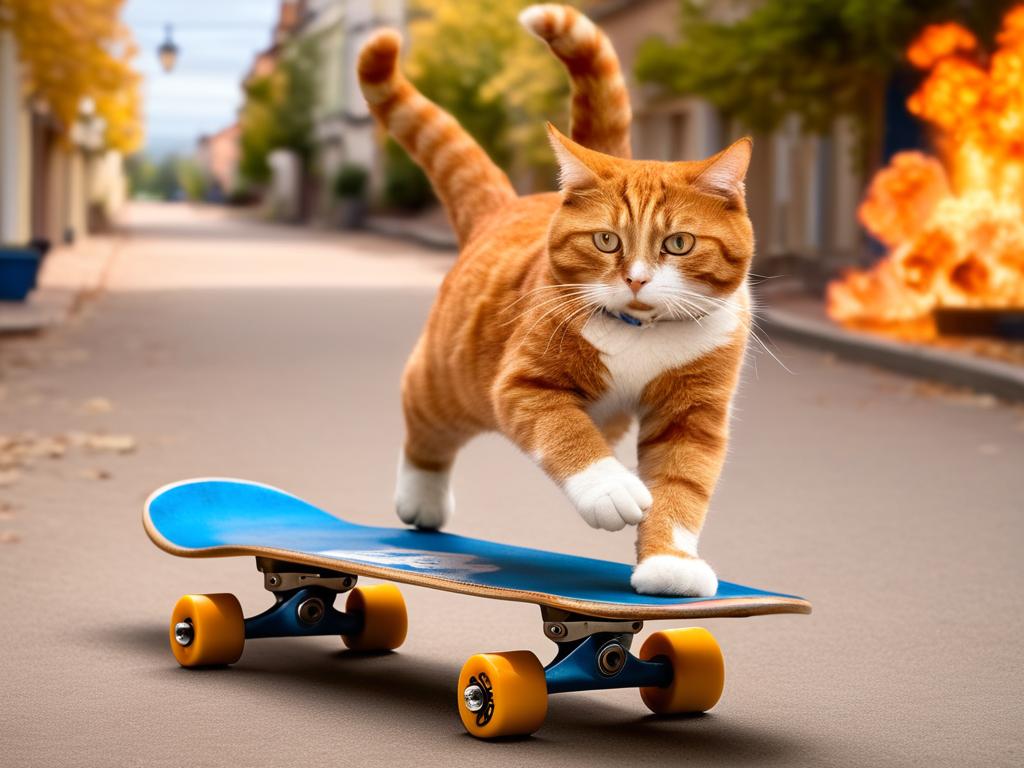
Without prior-preservation:
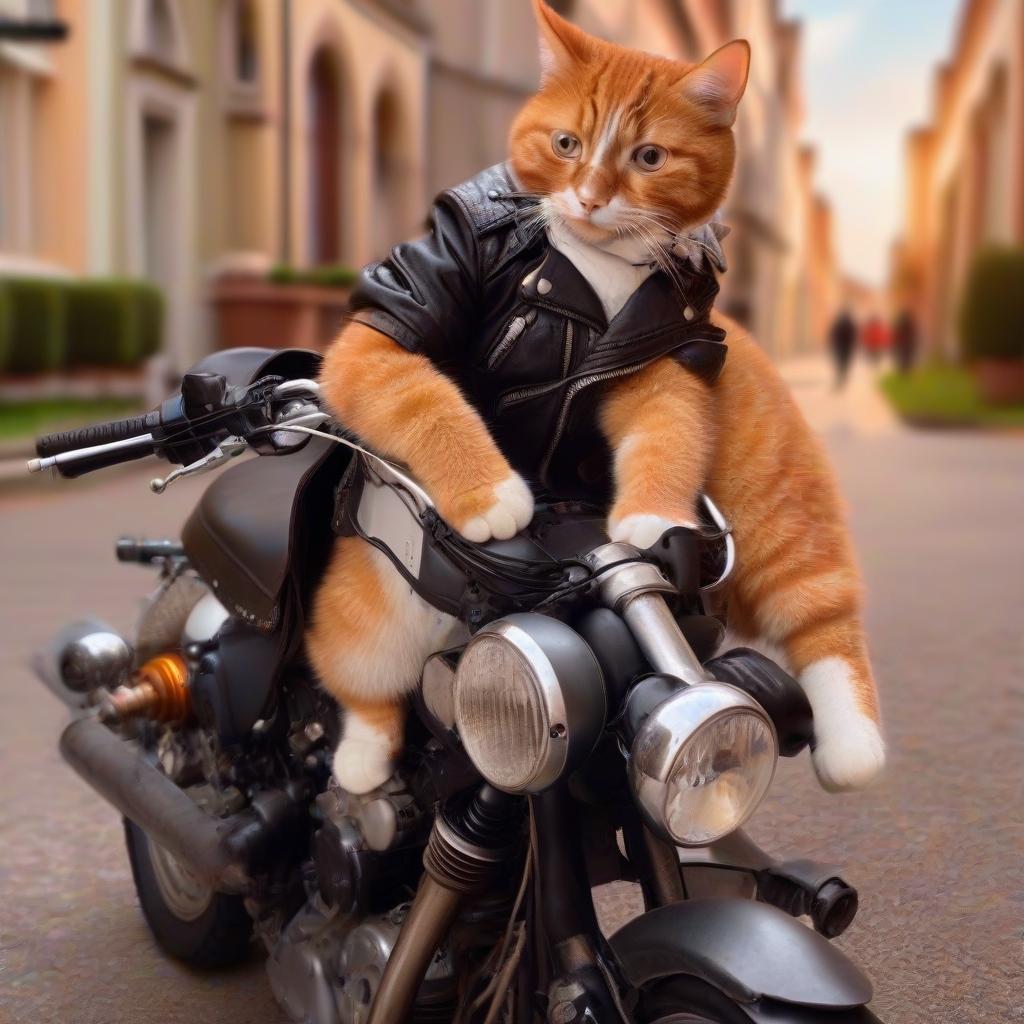
Citation
Cited as:
Sandu, Raluca-Maria. (Jun 2024). Fine-tuning with Stable Diffusion XL. rmsandu.net. https://rmsandu.net/blog/2024-06-15-sdxlfinetuning.html
Or
@article{sandu2024sdxlfinetuning,
  title   = "Fine-tuning with Stable Diffusion XL",
  author  = "Sandu, Raluca-Maria",
  journal = "rmsandu.net",
  year    = "2024",
  month   = "Jun",
  url     = "https://rmsandu.net/blog/2024-06-15-sdxlfinetuning.html"
}